

Multimedia
Making factory CarPlay wireless, adding a screen to a car that has none, holding your phone at eye level and keeping it charged. Ten products, and for each the one thing to check before ordering.
Showing all 10 results
-
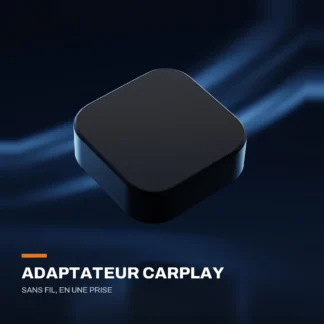
Wireless CarPlay and Android Auto adapter
29,99 € Add to cart Buy now -
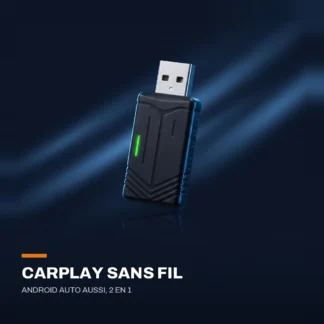
Wireless CarPlay and Android Auto adapter — 2 in 1
29,99 € Add to cart Buy now -
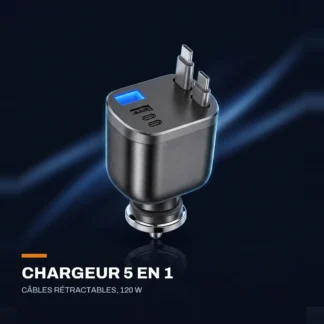
5-in-1 cigarette lighter charger — two retractable cables, 120 W
21,99 € Add to cart Buy now -
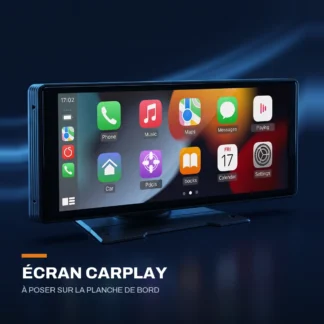
10.26-inch dashboard-mounted CarPlay screen
89,99 € Select options This product has multiple variants. The options may be chosen on the product page -
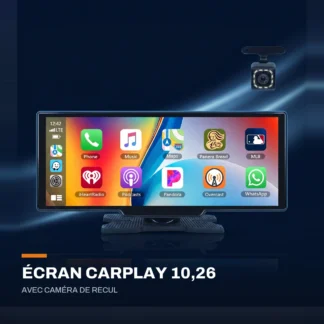
10.26-inch CarPlay screen with reversing camera
149,99 € Select options This product has multiple variants. The options may be chosen on the product page -
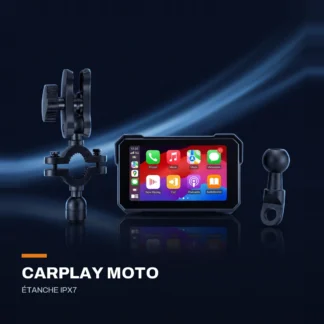
CarPlay and Android Auto screen for motorcycles — IPX7 waterproof
From 109,99 € Select options This product has multiple variants. The options may be chosen on the product page -
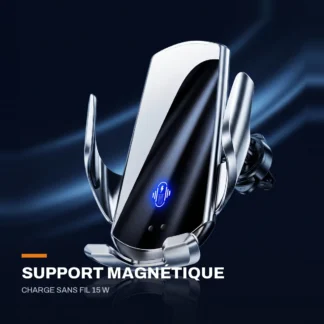
15 W magnetic wireless charging mount — air vent
29,99 € Select options This product has multiple variants. The options may be chosen on the product page -
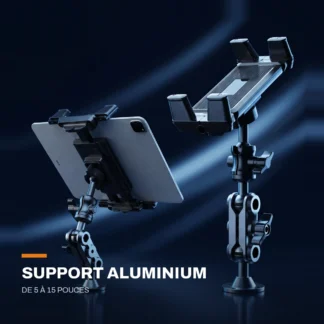
Screw-on aluminium tablet mount — 5 to 15 inches
27,99 € Add to cart Buy now -
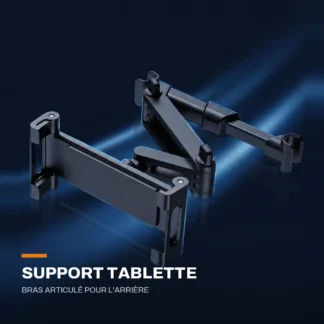
Headrest tablet mount — articulated arm, 5 to 12.9 inches
20,99 € Add to cart Buy now -
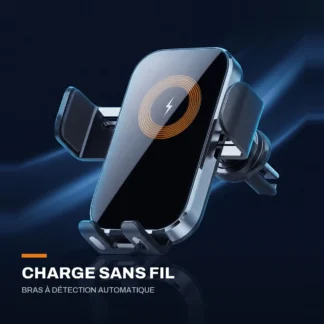
Wireless charging phone mount — auto-sensing arms
29,99 € Select options This product has multiple variants. The options may be chosen on the product page
Showing all 10 results
Three situations, three different devices
The question that comes up most is not "which is best" but "which one works in my car". There are three cases, and they do not call for the same product.
- Your factory screen already offers CarPlay or Android Auto, but you have to plug the cable in. A wireless adapter is enough: it stays on the USB socket and the car finds the phone on its own at start-up. That is the most common case on cars built after 2018.
- Your car does not have the feature at all. No adapter will add it. You need a self-contained screen for the dashboard, carrying its own system and plugging into the cigarette lighter.
- You just want the phone to stay put and charge. A vent or suction mount, with or without induction charging, solves the problem for 20 to 30 euros.
How to tell whether your car has wired CarPlay
Plug your phone in over USB with the engine running, and look at the screen's menu: if the CarPlay or Android Auto icon appears, the feature is there. A second check, often forgotten: not every USB socket carries data. The one used for CarPlay is usually marked with a phone symbol or the word data ; the others only charge, and an adapter will not work on them.
On the phone side, you need iOS 10 or above for CarPlay, and Android 11 or above with 5 GHz Wi-Fi for wireless Android Auto.
What going wireless really changes
On navigation, music and calls, the difference is not noticeable. On video or screen sharing, the cable keeps the advantage: the Wi-Fi link introduces a slight lag. An adapter also uses a little battery on the phone, since it is no longer plugged in — that is the price of never getting the cable out again.
Dashboard screens: what to look at
The size is chosen according to the room available on the dashboard, not the spec sheet: a 10-inch screen that blocks an air vent or part of your field of view is a bad buy. Check the audio output offered too — Bluetooth to the stereo, jack socket or FM transmitter — because that is what determines the sound quality, more than the screen resolution.
For motorcyclists the constraint is different: it is waterproofing that counts, and a mount that holds on handlebars despite the vibration.
Charging and power
15 W induction charging generates more heat than a cable, especially behind a windscreen in summer. If you drive with navigation running constantly, a cigarette lighter charger with a cable remains more efficient, and often cheaper. On recent cars, the 12 V socket delivers enough power to run a screen and charge a phone at the same time; on older ones, it is worth checking the fuse rating.
The questions we get asked
- Can a wireless CarPlay adapter add CarPlay to a car that does not have it?
- No. An adapter makes a feature that already exists over a cable wireless; it does not install it. If your factory screen's menu offers neither CarPlay nor Android Auto, you need a standalone screen for the dashboard.
- Why will my adapter not connect on some USB sockets?
- Because not every USB socket in a car carries data: some only charge. Use the one meant for wired CarPlay, usually marked with a phone symbol.
- Can two drivers use the same adapter?
- Yes. Each phone pairs once, then the adapter reconnects to the last device used. To switch, simply select the other phone in the car's Bluetooth menu.